Exclusions.
Video calls, autoplaying background clips, tiny thumbnails, and players with no source are detected and left alone. No tag or bar appears on them.
The same scrubber, volume, speed menu and keyboard on any site that plays ordinary web video. Scrubbly drives the browser’s own video element, and YouTube, Vimeo, Twitch, TikTok and Streamable get extra tuning on top for quality menus and captions.
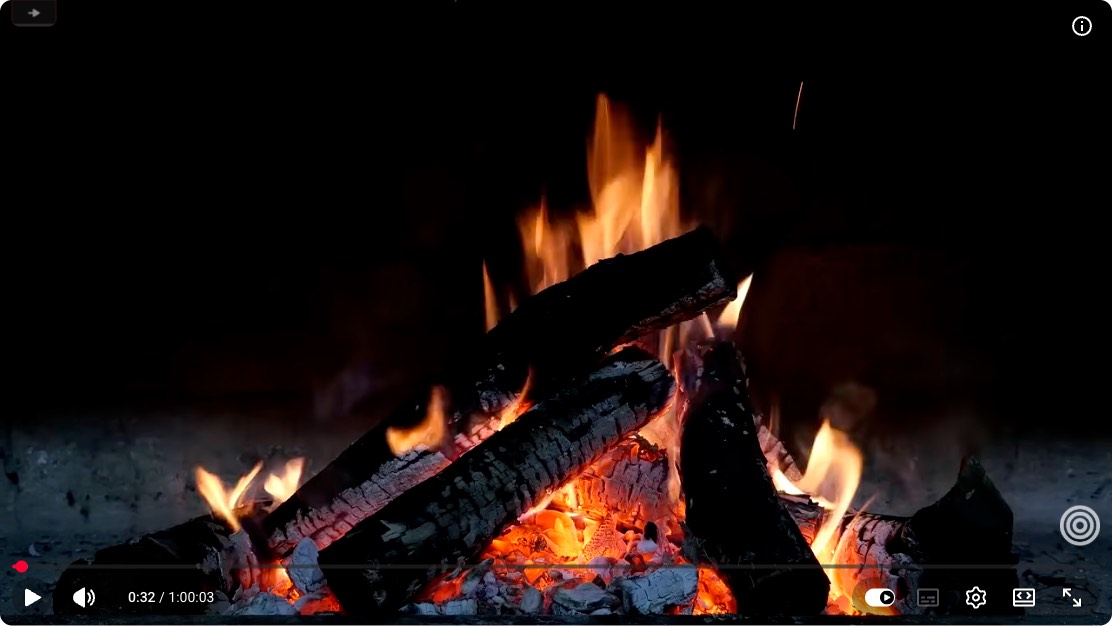
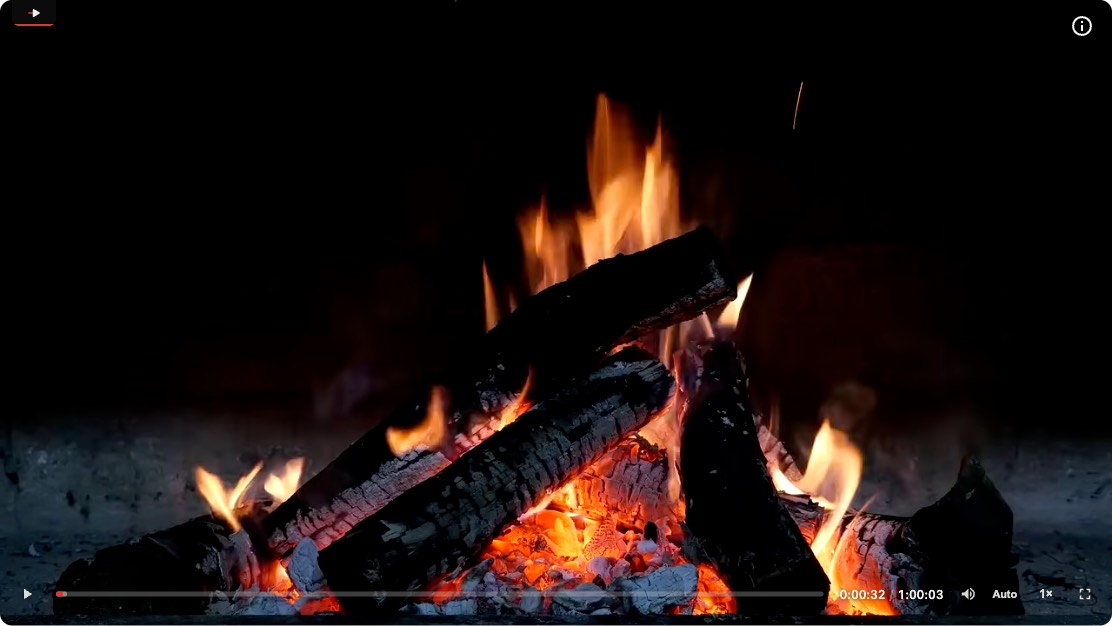
The player each site ships, and the same page with Scrubbly on. Every panel is a real capture.
Every site is in one of two modes. In native mode the site’s player stays in charge and Scrubbly adds a small tag on the video’s corner that offers to switch. In enhanced mode the Scrubbly bar drives the video: the site’s own controls are removed and kept from coming back.
While you drag, playback pauses and the bar follows your pointer immediately. Seeks are sent one at a time, always to the newest position. Release, and playback resumes where you let go.
Shortcuts work while your pointer is over a video Scrubbly controls. The moment your pointer leaves, or you start typing, every key belongs to the site again.
All shortcuts →Video calls, autoplaying background clips, tiny thumbnails, and players with no source are detected and left alone. No tag or bar appears on them.
Scrubbly collects nothing. No analytics, no accounts, no network calls of its own. Your settings live in local browser storage and the extension runs entirely on your machine.
One player for the web.
Add to ChromeCollects nothing. Runs entirely in your browser.